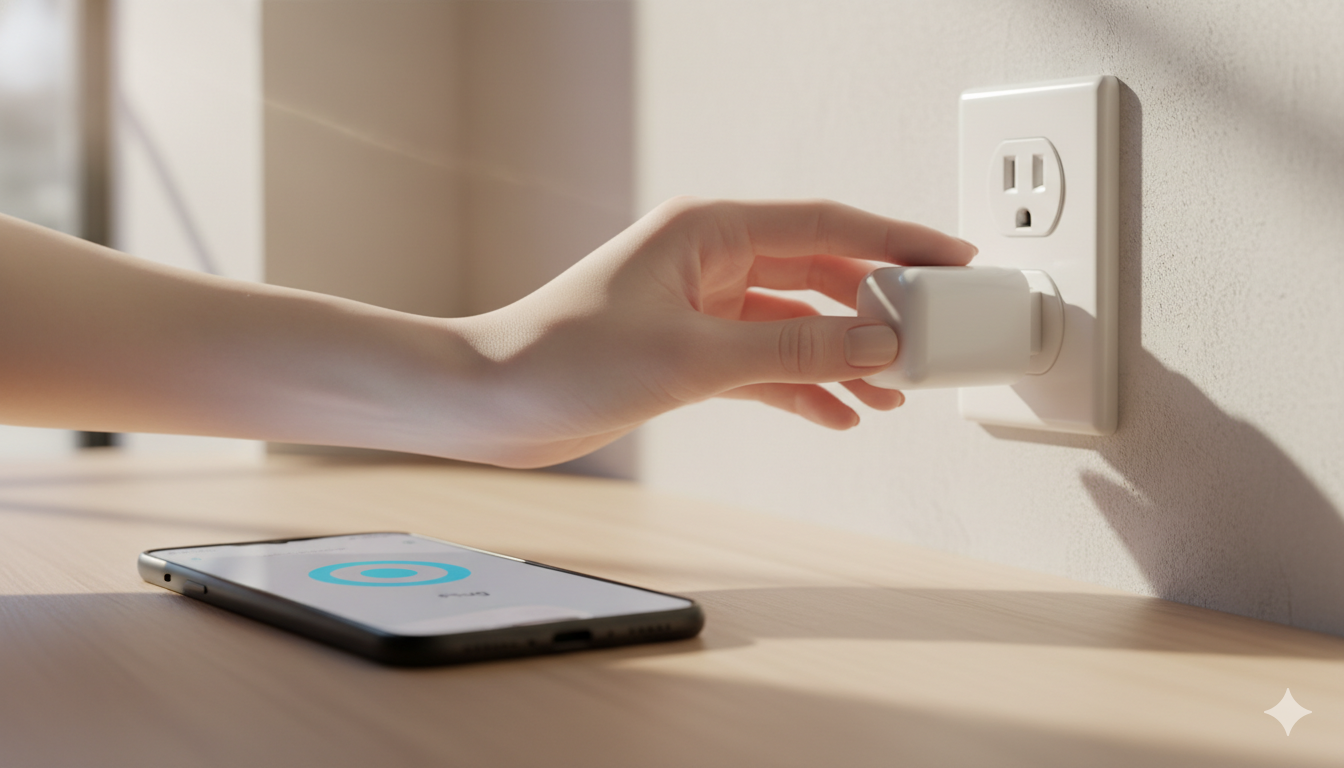
Smart plugs are the cheapest, easiest way to start a smart home. Plug a smart plug into the wall, plug a regular device (lamp, coffee maker, fan, Christmas tree) into the smart plug, and that device is now app-controllable.
This guide walks you through setting up your first one — from box to working voice command — in about 10 minutes. The exact taps differ slightly by brand, but the flow is the same for almost every smart plug on the market.
What you need before you start
Three things, no exceptions:
- Your smart plug, fresh out of the box. (No plug yet? Try the Kasa HS103 4-pack on Amazon.)
- 2.4 GHz Wi-Fi. Most smart plugs only connect to the 2.4 GHz band, NOT 5 GHz. If your router has separate network names, use the 2.4 GHz one during setup.
- The brand’s app, installed on your phone. Common ones: Kasa (TP-Link), Smart Life / Tuya (generic), Wyze, Govee, eufyHome.
Step 1: Plug it in (somewhere convenient)
Plug the smart plug into a wall outlet near where you’ll set it up. The light on the plug will start blinking — usually blue, sometimes red, sometimes both. Blinking means “ready to pair.” If it’s solid or off, hold the power button for 5–10 seconds to reset it.
Step 2: Open the brand’s app and add a device
Each app calls the button slightly different things. Look for:
- TP-Link Kasa: tap “+” then “Add Device”
- Smart Life / Tuya: tap “+” then “Add Device” → choose “Socket” → “Wi-Fi”
- Wyze: tap “+” then “Add Device” → “Plug”
- Govee Home: tap “+” → choose your plug model from the list
You may be asked to create an account with the brand. Use a real email — you’ll need it to recover access if you change phones.
Step 3: Connect to Wi-Fi
The app will ask for your Wi-Fi network and password. Use the 2.4 GHz network if yours has a separate one. Type the password carefully — case sensitive, no extra spaces. Stay near the plug while it connects. Setup can take 30–90 seconds.
Step 4: Name it something specific
When the app asks for a name, don’t accept “Smart Plug 1.” Use the room and what’s plugged in: “Living Room Lamp”, “Bedroom Fan”, “Kitchen Coffee Maker.” This is what you’ll say to your voice assistant later.
Step 5: Test it from the app
In the brand’s app, tap the plug’s icon to toggle it on and off. The plug should click audibly and the connected device (lamp, fan) should respond.
Step 6: Connect to Alexa, Google Home, or Apple Home
Alexa
Open the Alexa app → More → Skills & Games → search for the brand → Enable Skill → log in with your brand account → choose devices to import. Don’t have an Echo? Try the cheap Echo Pop ($25 on sale).
Google Home
Open Google Home → “+” (top left) → Set up device → Works with Google. Cheapest Google speaker: Nest Mini 2nd Gen.
Apple Home (HomeKit)
This depends on the plug. If the box says “Works with Apple Home” or “HomeKit,” scan the QR code on the plug with the Apple Home app.
Step 7: Try a voice command
Once connected to your voice assistant, try: “Alexa, turn on the bedroom fan,” “Hey Google, turn off the living room lamp,” “Hey Siri, turn on the coffee maker.”
Step 8: Set up your first automation
In Alexa: More → Routines → “+”. Trigger: “When you say ‘good night.’” Action: “Turn off Living Room Lamp.”
In Google Home: Routines → “+”. Trigger: “Sunset.” Action: “Turn on Porch Lamp.”
In Apple Home: Automation tab → “+”. Trigger: “A Time of Day.” Action: “Turn off Bedroom Fan at 11 p.m.”
Common problems and fixes
| Problem | Most likely cause | Fix |
|---|---|---|
| Plug won’t pair | Connecting to 5 GHz instead of 2.4 GHz | Switch your phone to the 2.4 GHz network temporarily |
| Plug shows “offline” | Weak Wi-Fi at outlet location | Move plug closer to router or upgrade router |
| Voice assistant can’t find it | Brand-skill not linked | Re-link the brand’s skill in Alexa/Google |
| Plug clicks but device doesn’t respond | Connected device is itself off | Make sure the lamp’s own switch is on |
| Schedule doesn’t fire | Time zone mismatch | Check time zone in the brand’s app settings |
FAQ
Can I plug a heater or air conditioner into a smart plug?
Check the watt rating. Most smart plugs are rated 10A / 1,200W. Space heaters can pull 1,500W+ and will trip or melt a smart plug.
Do smart plugs use a lot of standby power?
A modern smart plug draws roughly 0.5–1.5W when idle. Across a year, less than $2 of electricity. Negligible.
Can a smart plug make any “dumb” device smart?
Only if the device turns on automatically when it gets power.
Do I need a hub for a smart plug?
Not for Wi-Fi smart plugs (most popular ones). You’ll need a hub for Zigbee or Thread plugs.
Are smart plugs safe to leave in 24/7?
Yes, as long as the connected device’s load is within the plug’s rated watts. Smart plugs from reputable brands are UL- or ETL-certified.
Get the Kasa Smart Plug 4-pack on Amazon →
— Written by The Grid editorial team.
Keep reading