You don’t need a thousand-dollar setup to have a useful smart home. Here’s a complete starter kit covering lighting, voice control, security, and automation — all under $200, all available on Amazon.
The shopping list ($188 total)
| What | Why | Price |
|---|---|---|
| Amazon Echo Pop | Voice assistant + smart home hub | $25 |
| Wyze Bulb Color (4-pack) | Color smart bulbs for 4 rooms | $35 |
| Kasa Smart Plug (4-pack) | Make any lamp/coffee maker smart | $25 |
| Wyze Video Doorbell Pro | See and talk to who’s at the door | $60 |
| Wyze Cam Pan v3 | One indoor camera for living room | $30 |
| Aqara Motion Sensor P2 | Auto-trigger lights when you walk in | $13 |
| Total | $188 |
Why these specific picks
Echo Pop — the brain ($25)
Smaller and cheaper than the Echo Dot, but does everything you need: voice control, Alexa Routines, basic music playback, and works as a Matter hub. Buy a second one for the bedroom later if you like it.
Why not Google Nest Mini? Same price tier, but Alexa has the widest device support for cheap brands like Wyze and Kasa. If you have an Android phone you’d otherwise prefer Google, the Echo Pop still works fine.
Wyze Bulb Color 4-pack — the lights ($35)
Four color-changing smart bulbs for under $9 each. Put them in: kitchen, living room, bedroom, hallway. Set schedules for sunrise/sunset, dim them at night, change colors for movie nights.
Setup is 5 minutes per bulb via the Wyze app. They work with Alexa from day one.
Kasa Smart Plugs 4-pack — the universal smart-makers ($25)
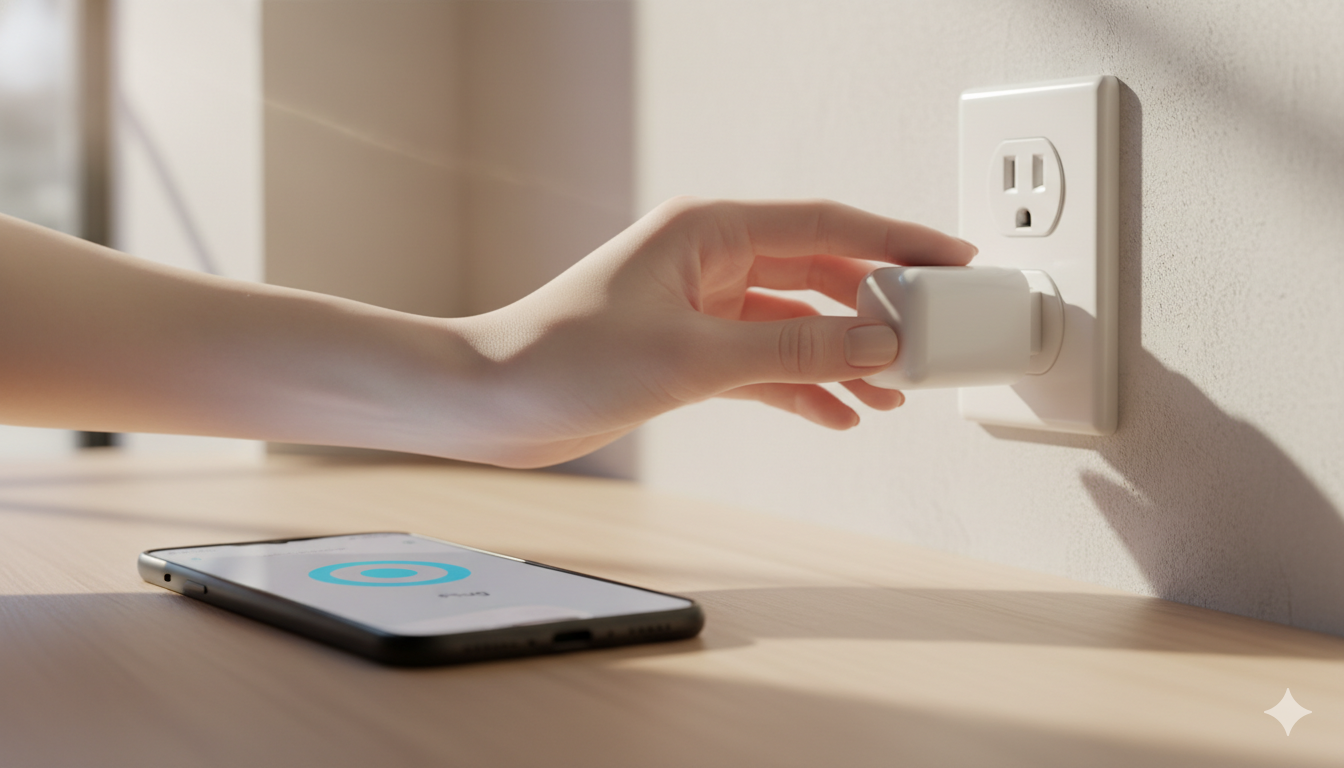
Smart plugs turn dumb things smart. Put one on a coffee maker (auto-on at 6:30 AM), a fan (voice control), the Christmas tree (schedule), or a space heater (turn off at bedtime).
Per-plug cost: $6.25. Best dollar-per-utility purchase in this kit.
Wyze Video Doorbell Pro — the front door ($60)
1296p video, 2-way talk, motion alerts to your phone. Hardwired (replaces existing doorbell wiring). 14-day cloud storage on the free tier. Yes, you should know about this if you don’t have one.
Wireless option: Wyze Doorbell v2 for $40 if you don’t have existing doorbell wires.
Wyze Cam Pan v3 — the indoor eyes ($30)
360° pan/tilt, 1080p, indoor only. Best uses: pet monitor, baby monitor, “is the dog walker actually showing up” check. Free 14-day cloud storage means no subscription needed.
Aqara Motion Sensor — the automator ($13)
Sticks to a wall with adhesive (no wiring). Detects motion and triggers Alexa Routines. Best uses: hallway light at night, garage light when entering, kitchen light when you walk in.
Requires an Aqara Hub OR a Matter-over-Thread setup. The cheapest path: buy this with the Aqara Hub E1 ($25) bundle if your kit grows. For just the basic setup, replace this with a smart bulb scheduled by time of day.
What you DON’T need on day one
- Smart thermostat ($80–$280) — biggest single energy saver, but adds complexity. Add when you’ve lived with the basics for a month.
- Smart lock ($150–$300) — useful but not essential. Wait until you understand how everything else integrates.
- Whole-home security system — premium tier, comes later.
- Smart blinds, smart switches, smart sprinklers — niche-by-niche additions, not starter kit.
Setup order (one weekend)
- Saturday morning: Set up Echo Pop. Sign in with your Amazon account. Test “Alexa, what’s the weather?”
- Saturday afternoon: Install all 4 Wyze bulbs in lamps. Set up Wyze app, link to Alexa via Wyze Skill.
- Saturday evening: Set up smart plugs. Pick one as your “learning” plug — put it on a lamp and play with voice control.
- Sunday morning: Install doorbell (turn off breaker first if hardwiring). Test from the front door.
- Sunday afternoon: Set up indoor camera. Aim it at whatever you actually want to watch.
- Sunday evening: Build your first Routine. “Alexa, good night” → all lights off, plugs off, doorbell on full alert.
For step-by-step on the plug part, see our smart plug setup guide.
Three things we’d buy NEXT (after the first month)
- Amazon Smart Thermostat ($80) — biggest energy savings of any smart device.
- One more Echo Pop ($25) for the bedroom — voice control by your bed is genuinely life-changing.
- Govee LED strip ($30) for behind your TV — the “wow” effect when guests visit.
FAQ
Do I need fast Wi-Fi?
Standard home internet (50+ Mbps) is plenty. The total bandwidth use of this whole kit is less than streaming one Netflix episode.
What if I rent?
Everything in this list is renter-safe except the doorbell (which replaces an existing doorbell). Skip the doorbell or use a wireless model with adhesive mounting.
Can I add HomeKit later?
Most of these (Wyze bulbs and cameras, Wyze doorbell) don’t support HomeKit. The smart plugs and Aqara sensor do via Matter. Plan accordingly if you’re committed to Apple Home.
Will this work with an Android phone?
Yes — Alexa, Wyze, Kasa, and Aqara all have Android apps.
What’s the weakest link in this kit?
The Echo Pop has only one speaker, so music sounds thin. Fine for voice/timers, not great for music. Easy upgrade later: Echo Dot 5th gen ($50) or Echo Studio ($200) if you actually care about music quality.
Bottom line
Six purchases, $188, a real working smart home in one weekend. From here you can grow in any direction — security, energy, media — with each new device costing less than $50 to add.
If you want to go even cheaper: skip the cameras and doorbell, and you’re at $98 for a fully functional voice-and-light setup. That’s the minimum-viable smart home.
— Written by The Grid editorial team. Prices verified at the time of writing.
Keep reading