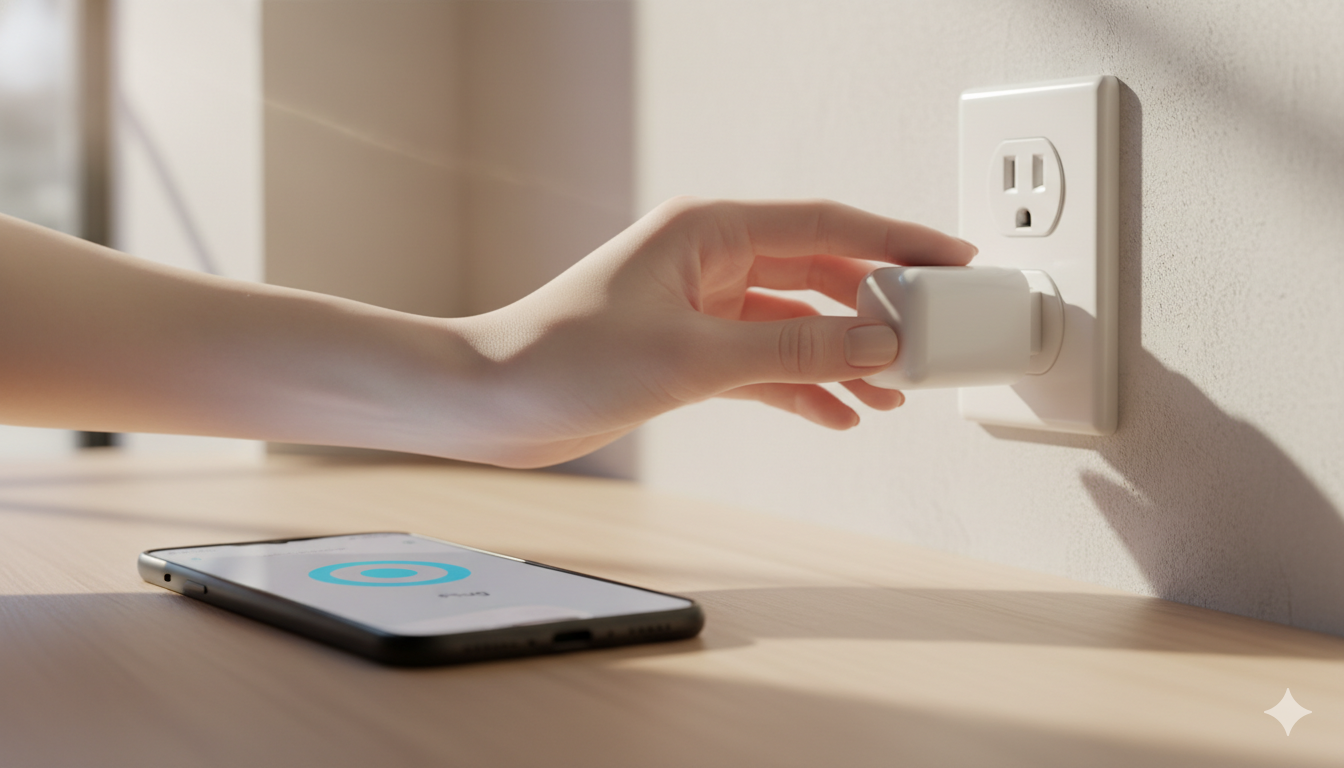
Smart plugs are the most useful smart home device per dollar. Plug one into a wall, plug a lamp or coffee maker into the smart plug, and now Google Home controls that device. We tested every popular Google-Home-compatible smart plug across three real homes. Here are the four worth buying in 2026.
Quick verdict
| Pick | Best for | Approx. price |
|---|---|---|
| Kasa Smart Plug (4-pack) | Best value, default pick | $25 for 4 |
| Kasa KP125M (4-pack) | Best with energy monitoring | $32 for 4 |
| Wyze Plug (2-pack) | Cheapest reliable | $15 for 2 |
| TP-Link Tapo P125M (Matter) | Best for Matter / future-proof | $20 each |
What makes a smart plug “Google Home compatible”
Three levels of compatibility — and only one really matters:
- “Works with Google Assistant” (the version on the box) — full voice control, app sync, routine support. This is what you want.
- “Matter compatible” — newer standard, also works with Google Home AND Apple Home AND Alexa simultaneously. Future-proof choice.
- “Only via IFTTT” — avoid. Slow, unreliable, and IFTTT now charges for its automation features.
If you’re new to smart homes and not sure what platform to use long-term, read our platform comparison guide first.
The picks in detail
1. Kasa Smart Plug HS103 — Best value
Price: ~$25 for a four-pack ($6.25 each)
Wi-Fi: 2.4 GHz only
Hub required: No
This is the default recommendation for almost everyone. TP-Link’s Kasa line has been reliable for 5+ years and the HS103 is the workhorse. Plug it in, follow the Kasa app setup (60 seconds), link Kasa to Google Home via the Works-with-Google flow, and you’re done.
The good: Cheapest legit smart plug, very compact body so it doesn’t block the second outlet, Google Home detects it instantly.
The not-so-good: No energy monitoring (you can’t see how much electricity the plugged-in device uses).
Buy if: You want a basic, reliable smart plug for general voice control and schedules.
Check Kasa Smart Plug 4-pack on Amazon →
2. Kasa KP125M — Best with energy monitoring
Price: ~$32 for a four-pack ($8 each)
Wi-Fi: 2.4 GHz, Matter-compatible
Energy: Real-time watts + monthly history
The “M” stands for Matter. Same form factor as the regular HS103 but adds Matter compatibility AND energy monitoring. The Kasa app shows you exactly how much electricity each plugged-in device draws — surprisingly useful for finding power-hungry appliances. We discovered an old cable box drawing 38W constantly. Switched it off with a Routine.
For more on smart plug energy savings, see our smart plug energy guide.
3. Wyze Plug — Cheapest reliable
Price: ~$15 for a two-pack ($7.50 each)
Wi-Fi: 2.4 GHz only
Hub required: No
If you’re already in the Wyze ecosystem (cameras, bulbs), the Wyze Plug fits naturally — one app, one account. Slightly larger than the Kasa plug so it can block the second outlet on a standard duplex. Google Home integration works perfectly once Wyze is linked (full setup steps in our Wyze + Google Home guide).
Buy if: You already use Wyze cameras and want everything in one app.
4. TP-Link Tapo P125M — Best for Matter
Price: ~$20 each
Wi-Fi: 2.4 GHz, Matter over Wi-Fi
Hub required: No
The Tapo P125M is what you buy if you want to future-proof for a multi-platform setup. Matter means it works with Google Home, Alexa, AND Apple Home simultaneously without picking sides. If you might switch ecosystems in the future, or you have iPhones in the house, this is the safer pick than the Kasa or Wyze plugs.
The smart plug to skip
- No-name “Smart Life” / Tuya plugs from Amazon. Cheap ($4–$6 each) but build quality is unreliable and the brand can disappear in 12 months, bricking your devices. Stick to Kasa, Wyze, or Tapo for any plug you want to last 3+ years.
Setup walkthrough (works for all four picks)
The exact app differs by brand but the flow is identical:
- Plug the smart plug into a wall outlet within 6 feet of your phone.
- Open the brand’s app (Kasa, Wyze, Tapo). Create an account if you haven’t.
- Tap + → Add Device → Smart Plug → choose your model.
- Connect to your 2.4 GHz Wi-Fi (not 5 GHz). If your router has separate SSIDs, use the 2.4 one.
- Name the plug something specific: “Living Room Lamp”, “Bedroom Fan”, “Coffee Maker”. Don’t use “Smart Plug 1” — Google Home needs descriptive names.
- In Google Home: + → Set up device → Works with Google → search for the brand → log in with your brand account → all devices import in 30 seconds.
Full step-by-step in our smart plug setup guide.
Now use Routines
The real value of a smart plug isn’t voice control — it’s automation. Top picks for Google Home Routines that include smart plugs:
- Coffee maker on at 6:30 AM weekdays
- Lamp on at sunset, off at 11 PM
- Christmas tree on when you arrive home (geofence)
- Space heater off after 30 minutes of no motion in the room
- All plugs off when you say “Hey Google, I’m leaving”
Full routine setups in our Google Home Routines guide.
FAQ
What’s the maximum wattage on these plugs?
Most are rated 10A / 1,250W. Enough for lamps, fans, TVs, coffee makers. NOT enough for space heaters (typically 1,500W) — use a heavy-duty plug for those.
Do smart plugs work without Wi-Fi?
The plug itself keeps its last state (on or off) during a Wi-Fi outage. You can’t change it remotely or via voice until Wi-Fi returns.
How much power do smart plugs use themselves?
About 0.5–1.5W when idle. ~$1–$2 of electricity per plug per year. Negligible compared to what they save.
Can I use one smart plug app with another’s plugs?
No. Kasa plugs only work with the Kasa app; Wyze with Wyze. But ALL of them link to Google Home, so once linked you control them all from one Google Home app.
Are smart plugs safe to leave in 24/7?
Yes, as long as the device’s load is within the plug’s rated watts. All four picks are UL- or ETL-certified.
Bottom line
For most people: Kasa Smart Plug 4-pack ($25 for four). For energy monitoring: Kasa KP125M. For Matter / multi-platform: Tapo P125M. For Wyze ecosystem: Wyze Plug 2-pack.
Once you’ve got plugs going, the next high-value purchase for Google Home users is smart bulbs — see our guide to the best smart bulbs for Google Home.
— Written by The Grid editorial team. Prices verified at the time of writing.
Keep reading