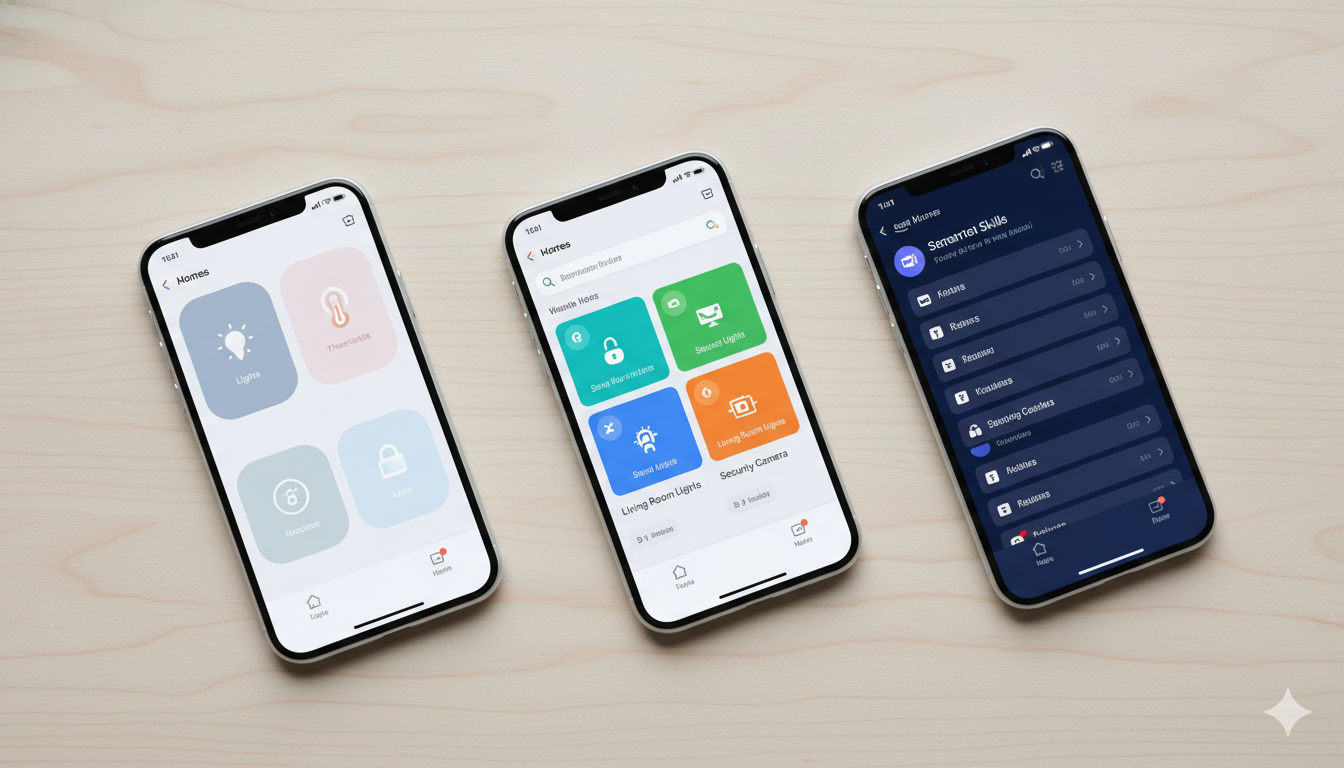
Tag: google home

  • Matter vs HomeKit vs Google Home: Which Should You Pick in 2026?

    Matter vs HomeKit vs Google Home: Which Should You Pick in 2026?

    Picking a smart home platform is the most consequential decision you’ll make in your first year. The wrong choice means devices that won’t talk to each other, repeated app-switching, and gear you eventually replace.

    The good news: in 2026, the choice is easier than it used to be, mainly because of Matter — a universal standard that mostly ends the platform wars. Here’s what each option actually means and how to decide.

    The four players (in plain English)

    • Apple HomeKit (now called “Apple Home”) — Apple’s smart home platform. Works only if your household uses iPhones. Entry hardware: HomePod mini.
    • Google Home — Google’s platform. Works best with Android phones and Google’s Nest devices. Entry hardware: Nest Mini 2nd Gen.
    • Amazon Alexa — Amazon’s platform. Works with both phones, has the widest device support, ties into Amazon shopping. Entry hardware: Echo Pop.
    • Matter — Not a platform. A common language all three platforms have agreed to speak. A “Matter” device works with HomeKit, Google Home, and Alexa simultaneously.

    Quick comparison

    Feature Apple Home Google Home Amazon Alexa
    Best for iPhone households Android households Mixed-device households
    Voice assistant Siri Google Assistant Alexa
    Strongest at Privacy, polish Search/info questions Device support, shopping
    Weakest at Limited devices Mediocre device automations Privacy
    Cheapest entry speaker HomePod mini ($99) Nest Mini ($49) Echo Pop ($25 on sale)

    How to decide based on your phone

    This is the single biggest factor for a beginner.

    You use an iPhone (and your household is mostly iPhones)

    Pick Apple Home (HomeKit). Setup is faster (you can scan a code with your camera and devices add themselves), automations stay private (Apple processes most of them on-device), and integration with iMessage, Find My, and Apple TV is genuinely useful.

    Check HomePod mini prices on Amazon →

    You use Android, mixed phones, or you don’t care about Apple

    Pick Google Home if you already use Gmail, Google Photos, etc. Pick Alexa if you want the cheapest hardware and the widest device selection. Either is a solid choice.

    Get the Nest Mini on Amazon →

    Get the Echo Pop on Amazon →

    You’re not sure or you might switch phones

    Pick Alexa as a safe default, or skip the platform decision entirely and build a Matter-only setup. The cheapest Matter starter pack is an Echo Pop plus a couple of Tapo L530E Matter bulbs.

    Why Matter changes the game

    Before Matter, choosing HomeKit meant your $200 Hue lights couldn’t talk to your Google Nest thermostat without weird workarounds. That’s gone.

    In 2026, the pattern that works best is:

    1. Pick whichever platform fits your phone (above).
    2. When you buy a new device, look for the “Works with Matter” badge.
    3. The device will then work with your chosen platform AND any other one you might switch to later.

    You’re no longer locked in. This is huge.

    Three real scenarios

    You want one smart speaker for the kitchen and three smart bulbs. HomeKit (iPhone family), Google Home (Android), or Alexa (mixed). Buy a single matching speaker plus Matter-compatible bulbs. Total: $80–$120.

    You’re building a security setup. Alexa or Google Home — both have stronger third-party security device support.

    You want everything to work and everything to be private. HomeKit. The privacy story is genuinely better.

    What about combining platforms?

    Possible but rarely worth it. Devices that support multiple platforms work fine, but you end up managing the same device from two apps. Pick one as your primary; if a specific device only supports another, only then add a second app.

    FAQ

    Will my old Alexa devices stop working if I switch?

    No. They’ll keep working in the Alexa ecosystem. They just won’t move over to HomeKit/Google.

    Is Matter actually working as advertised?

    As of 2026, mostly yes for lights, plugs, thermostats, and locks. It’s still rocky for cameras and doorbells.

    Do I need a paid subscription for any of these?

    Apple HomeKit Secure Video requires iCloud+ ($1/month and up). Google and Alexa offer optional subscriptions but the platforms themselves are free.

    Which has the best voice assistant?

    Subjective, but: Google Assistant is best at general questions and search. Alexa is best at smart home commands. Siri has improved a lot but still trails in casual conversation.

    Can I use a Nest Thermostat with HomeKit?

    Not natively — Google doesn’t allow it. There are workarounds (Homebridge, third-party bridges) but they’re for hobbyists.

    Bottom line

    Pick by phone. iPhone → HomeKit. Android → Google Home. Mixed/cheap → Alexa. Then only buy Matter-compatible devices going forward and you’ll never have to make this decision again.

    — Written by The Grid editorial team.
  • What Is a Smart Home? A Plain-English 2026 Guide

    What Is a Smart Home? A Plain-English 2026 Guide

    A smart home is not a single product. It’s a collection of everyday things — lights, thermostats, locks, cameras, plugs — that connect to your Wi-Fi and let you control them from your phone, your voice, or a schedule you set once and forget about.

    If that sounds either too simple or too overwhelming, this guide is for you. By the end, you’ll know what counts as smart home tech, what it costs to start, what it actually does for you day to day, and how to set up your first device without wrecking your weekend.

    What “smart home” actually means

    The term is loose. Practically, a device qualifies as “smart” if it does at least one of these:

    • Connects to your home Wi-Fi (or a hub)
    • Can be controlled from a phone app
    • Responds to a voice assistant (Alexa, Google Assistant, Siri)
    • Can be automated based on time, location, or another device’s state

    A regular light bulb is not smart. A bulb you can turn off from your bed, dim from your phone, or schedule to fade on at sunset — that’s smart.

    The five categories you’ll see everywhere

    Most smart home gear falls into one of these buckets. Pick whichever solves a problem you already have.

    Category What it does Typical starter price
    Lighting Bulbs, switches, LED strips you control remotely $10 – $50 per bulb
    Climate Thermostats, smart fans, vents that adjust automatically $80 – $250
    Security Cameras, doorbells, smart locks, motion sensors $30 – $200 per device
    Energy Smart plugs and energy monitors that track and cut usage $10 – $40 per plug
    Voice & control Speakers, displays, hubs, remotes $30 – $150

    The trick is to start with one category and one room. Trying to “go smart everywhere” on day one is how people end up with a junk drawer full of returned devices.

    What runs the show: hubs, voice assistants, and Matter

    This is where new buyers get the most confused, so here’s the short version:

    • A voice assistant (Alexa, Google Assistant, or Siri/HomeKit) lets you control devices by talking. It lives in a speaker (Echo Pop, Nest Mini, HomePod mini) or your phone.
    • A hub is a small box that translates between your devices and your network. Some smart devices need one; many newer ones don’t.
    • Matter is a new universal standard (launched 2023, mature in 2026) that lets devices from different brands work together without you having to pick a single ecosystem.

    If you’re starting today, the simplest path is: pick one voice assistant based on the phone you have (iPhone → Siri/HomeKit, Android → Google Assistant, neither → Alexa is the safest), and only buy devices that work with it. If a device says “Works with Matter,” you have flexibility to switch later.

    What a basic smart home actually does for you

    Forget the futuristic ads. Here’s what most people actually use their smart home for, day to day:

    • Schedules and routines. Lights fade on in the kitchen at 6:30 a.m., porch light goes on at sunset, kid’s room dims at 8 p.m. Set once, never think about it again.
    • Voice control while your hands are full. “Alexa, turn off the kitchen” while carrying a dripping pan beats walking back to a switch.
    • Catching things from your phone. Was the garage door left open? Is the thermostat running while we’re on vacation?
    • Saving electricity. Smart plugs reveal which “off” devices are still drawing power. Smart thermostats learn your schedule and stop heating an empty house.
    • Making the front door safer. Smart doorbells let you see who’s there before opening.

    How much does it cost to start?

    You can have a useful smart home for under $100. Honest minimum starting kit:

    • One smart speaker (~$25 on sale) — try the Echo Pop
    • Two smart bulbs for the rooms you use most (~$20 each) — try Wyze Bulb Color
    • One smart plug for a lamp or coffee maker (~$10) — try Kasa Smart Plug

    That’s about $75. Add a video doorbell ($60) and a smart thermostat ($120) over the next few months and you’ve covered the four highest-impact areas.

    What can go wrong (and how to avoid it)

    • Wi-Fi flakiness. Most smart devices use 2.4 GHz Wi-Fi. If your router is old or weak, devices will randomly drop offline. A modern mesh router fixes this almost completely.
    • App fatigue. Each brand wants you to use its app. Centralize control through one voice assistant or use Matter-compatible devices to keep everything in one place.
    • Devices that get abandoned. Cheap no-name brands sometimes shut down their cloud servers and your devices become bricks. Stick to brands with a track record.

    FAQ

    Do smart home devices need a subscription?

    Most don’t. Smart bulbs, plugs, thermostats, and basic cameras work fully without one.

    Can I control smart devices when I’m away from home?

    Yes — as long as your home Wi-Fi is on, almost every modern device works remotely through its app.

    Are smart home devices safe from hackers?

    Reasonably so if you (a) buy from reputable brands, (b) use a strong, unique password on your Wi-Fi, and (c) keep device firmware updated.

    Do smart bulbs work with regular light switches?

    Mostly no. If the wall switch is off, a smart bulb has no power. The fix: leave the wall switch always on, and control the bulb only from your app/voice.

    What if I rent and can’t drill anything?

    Plenty of renter-friendly options — smart bulbs (just screw in), smart plugs (no wiring), battery cameras with adhesive mounts.

    Where to go next

    If you’ve never bought a smart device, start with a single smart bulb in the room where you flip a light switch most often. It’s cheap, it can’t break anything, and it takes 5 minutes to set up.

    — Written by The Grid editorial team.