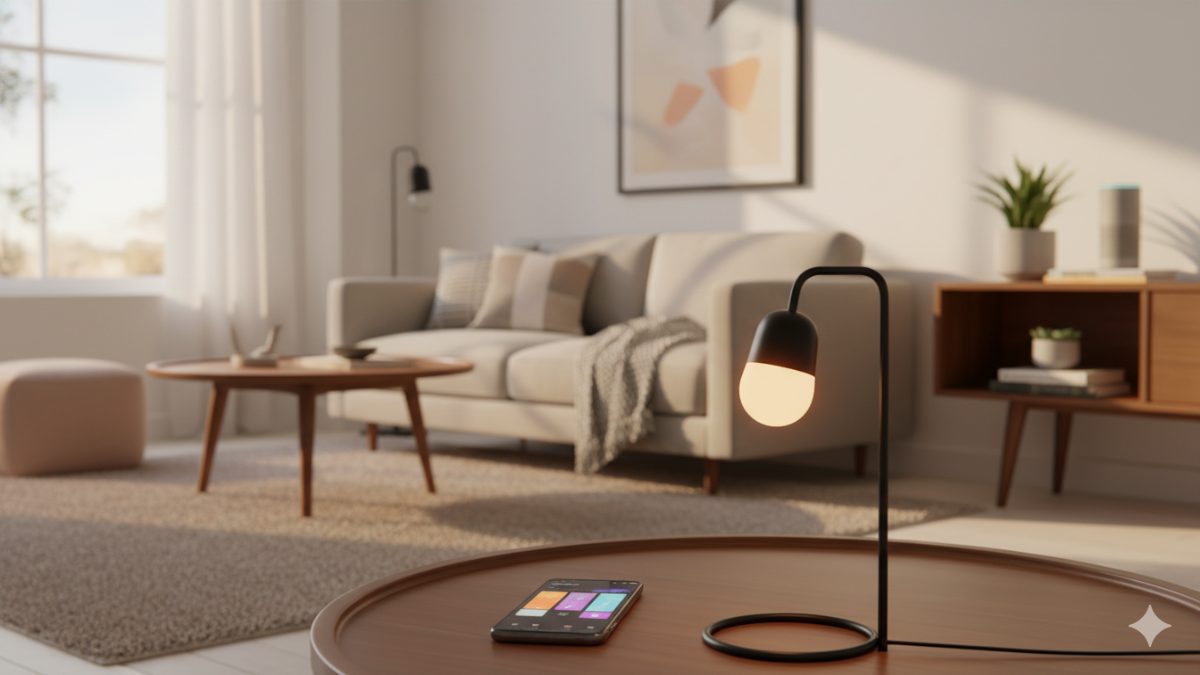
A smart home is not a single product. It’s a collection of everyday things — lights, thermostats, locks, cameras, plugs — that connect to your Wi-Fi and let you control them from your phone, your voice, or a schedule you set once and forget about.
If that sounds either too simple or too overwhelming, this guide is for you. By the end, you’ll know what counts as smart home tech, what it costs to start, what it actually does for you day to day, and how to set up your first device without wrecking your weekend.
What “smart home” actually means
The term is loose. Practically, a device qualifies as “smart” if it does at least one of these:
- Connects to your home Wi-Fi (or a hub)
- Can be controlled from a phone app
- Responds to a voice assistant (Alexa, Google Assistant, Siri)
- Can be automated based on time, location, or another device’s state
A regular light bulb is not smart. A bulb you can turn off from your bed, dim from your phone, or schedule to fade on at sunset — that’s smart.
The five categories you’ll see everywhere
Most smart home gear falls into one of these buckets. Pick whichever solves a problem you already have.
| Category | What it does | Typical starter price |
|---|---|---|
| Lighting | Bulbs, switches, LED strips you control remotely | $10 – $50 per bulb |
| Climate | Thermostats, smart fans, vents that adjust automatically | $80 – $250 |
| Security | Cameras, doorbells, smart locks, motion sensors | $30 – $200 per device |
| Energy | Smart plugs and energy monitors that track and cut usage | $10 – $40 per plug |
| Voice & control | Speakers, displays, hubs, remotes | $30 – $150 |
The trick is to start with one category and one room. Trying to “go smart everywhere” on day one is how people end up with a junk drawer full of returned devices.
What runs the show: hubs, voice assistants, and Matter
This is where new buyers get the most confused, so here’s the short version:
- A voice assistant (Alexa, Google Assistant, or Siri/HomeKit) lets you control devices by talking. It lives in a speaker (Echo Pop, Nest Mini, HomePod mini) or your phone.
- A hub is a small box that translates between your devices and your network. Some smart devices need one; many newer ones don’t.
- Matter is a new universal standard (launched 2023, mature in 2026) that lets devices from different brands work together without you having to pick a single ecosystem.
If you’re starting today, the simplest path is: pick one voice assistant based on the phone you have (iPhone → Siri/HomeKit, Android → Google Assistant, neither → Alexa is the safest), and only buy devices that work with it. If a device says “Works with Matter,” you have flexibility to switch later.
What a basic smart home actually does for you
Forget the futuristic ads. Here’s what most people actually use their smart home for, day to day:
- Schedules and routines. Lights fade on in the kitchen at 6:30 a.m., porch light goes on at sunset, kid’s room dims at 8 p.m. Set once, never think about it again.
- Voice control while your hands are full. “Alexa, turn off the kitchen” while carrying a dripping pan beats walking back to a switch.
- Catching things from your phone. Was the garage door left open? Is the thermostat running while we’re on vacation?
- Saving electricity. Smart plugs reveal which “off” devices are still drawing power. Smart thermostats learn your schedule and stop heating an empty house.
- Making the front door safer. Smart doorbells let you see who’s there before opening.
How much does it cost to start?
You can have a useful smart home for under $100. Honest minimum starting kit:
- One smart speaker (~$25 on sale) — try the Echo Pop
- Two smart bulbs for the rooms you use most (~$20 each) — try Wyze Bulb Color
- One smart plug for a lamp or coffee maker (~$10) — try Kasa Smart Plug
That’s about $75. Add a video doorbell ($60) and a smart thermostat ($120) over the next few months and you’ve covered the four highest-impact areas.
What can go wrong (and how to avoid it)
- Wi-Fi flakiness. Most smart devices use 2.4 GHz Wi-Fi. If your router is old or weak, devices will randomly drop offline. A modern mesh router fixes this almost completely.
- App fatigue. Each brand wants you to use its app. Centralize control through one voice assistant or use Matter-compatible devices to keep everything in one place.
- Devices that get abandoned. Cheap no-name brands sometimes shut down their cloud servers and your devices become bricks. Stick to brands with a track record.
FAQ
Do smart home devices need a subscription?
Most don’t. Smart bulbs, plugs, thermostats, and basic cameras work fully without one.
Can I control smart devices when I’m away from home?
Yes — as long as your home Wi-Fi is on, almost every modern device works remotely through its app.
Are smart home devices safe from hackers?
Reasonably so if you (a) buy from reputable brands, (b) use a strong, unique password on your Wi-Fi, and (c) keep device firmware updated.
Do smart bulbs work with regular light switches?
Mostly no. If the wall switch is off, a smart bulb has no power. The fix: leave the wall switch always on, and control the bulb only from your app/voice.
What if I rent and can’t drill anything?
Plenty of renter-friendly options — smart bulbs (just screw in), smart plugs (no wiring), battery cameras with adhesive mounts.
Where to go next
If you’ve never bought a smart device, start with a single smart bulb in the room where you flip a light switch most often. It’s cheap, it can’t break anything, and it takes 5 minutes to set up.
— Written by The Grid editorial team.
Keep reading